🧾 Built for tax season

Mileage, receipts & expenses — all in one place.

KaziLog logs your trips by odometer, scans your receipts, and exports tax-ready reports in one tap. Spend less time on bookkeeping and more on the road.

🔒 Your data is encrypted and stored securely · Available in English & Français
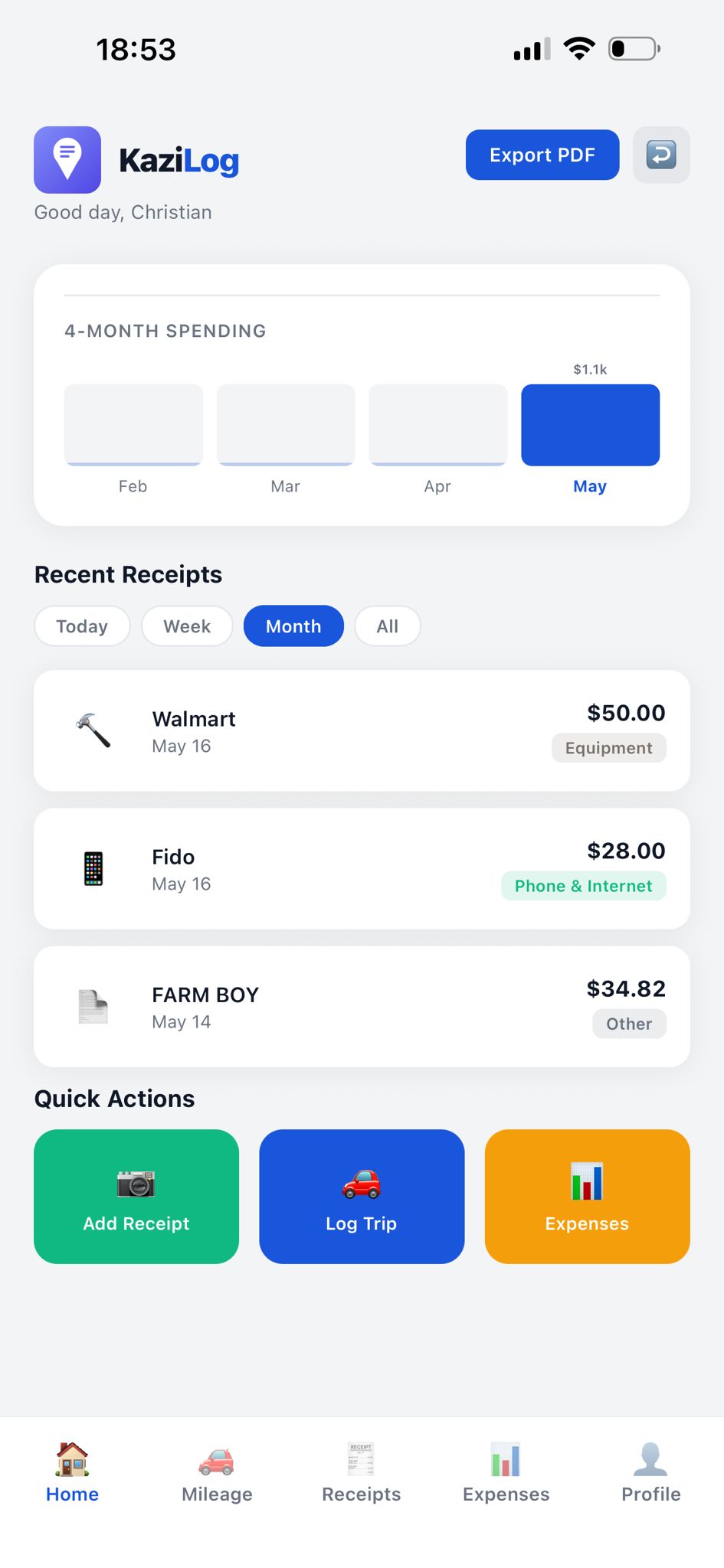
KaziLog dashboard

Made for anyone who claims expenses at tax time

🚗 Rideshare & delivery drivers 💼 Freelancers 📊 Consultants ⚖️ Lawyers 🔧 Tradespeople 🏢 Small businesses
Everything you need

One app for every tax-time headache

Stop juggling spreadsheets, shoeboxes of receipts, and odometer photos. KaziLog keeps it all together.

📍

Odometer mileage logging

Record each trip's start and end odometer — or scan your dashboard — and KaziLog logs the distance with the date, ready for your deduction.

🧾

Receipt scanning

Snap a photo and KaziLog stores it instantly, sorted by category — fuel, maintenance, equipment, insurance, parking and more.

📊

Expense insights

See exactly where your money goes with a clean visual breakdown by category, month over month.

📄

Tax-ready PDF reports

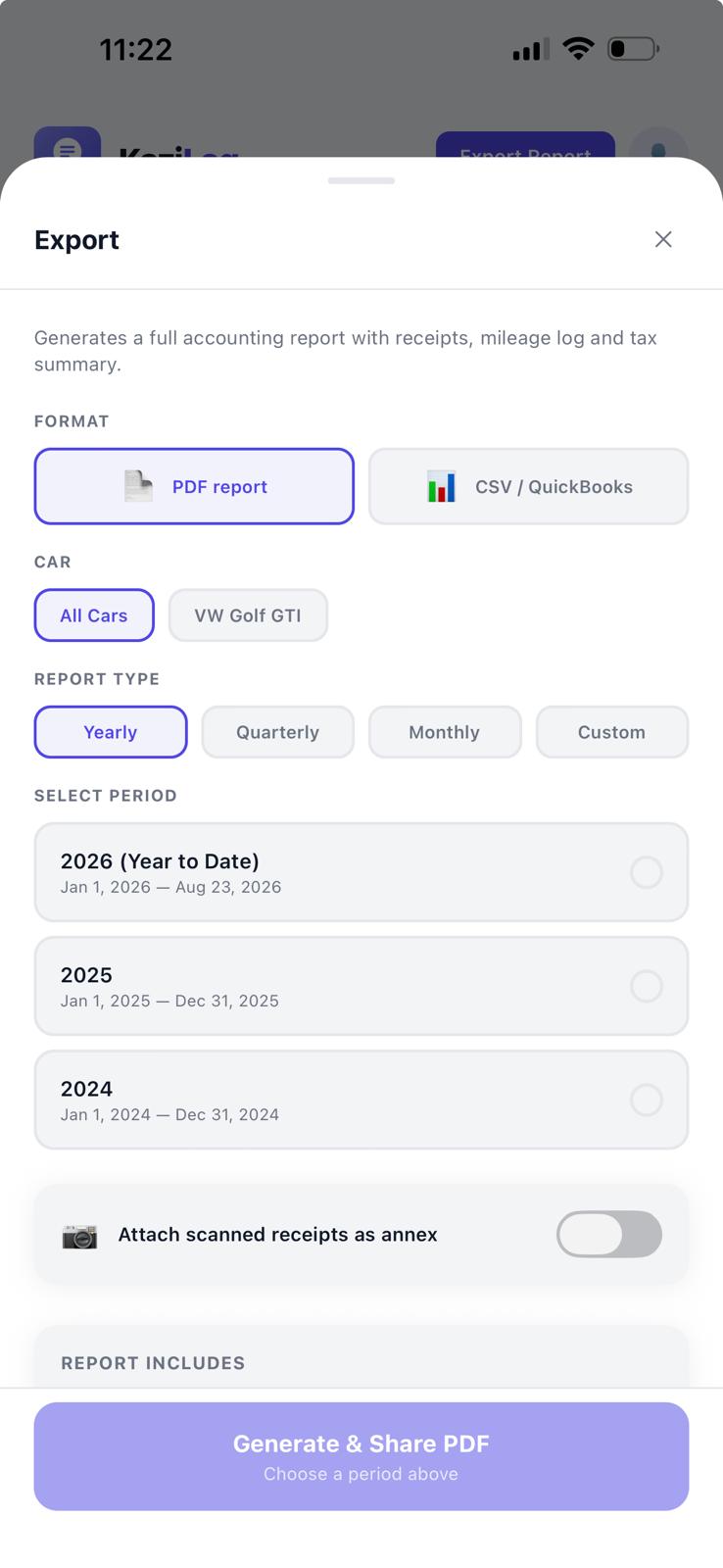
Generate a complete report — mileage log, receipt images and expense summary — by month, quarter, year or custom range. Share with your accountant in one tap.

Mileage tracker

Just drive. We'll handle the math.

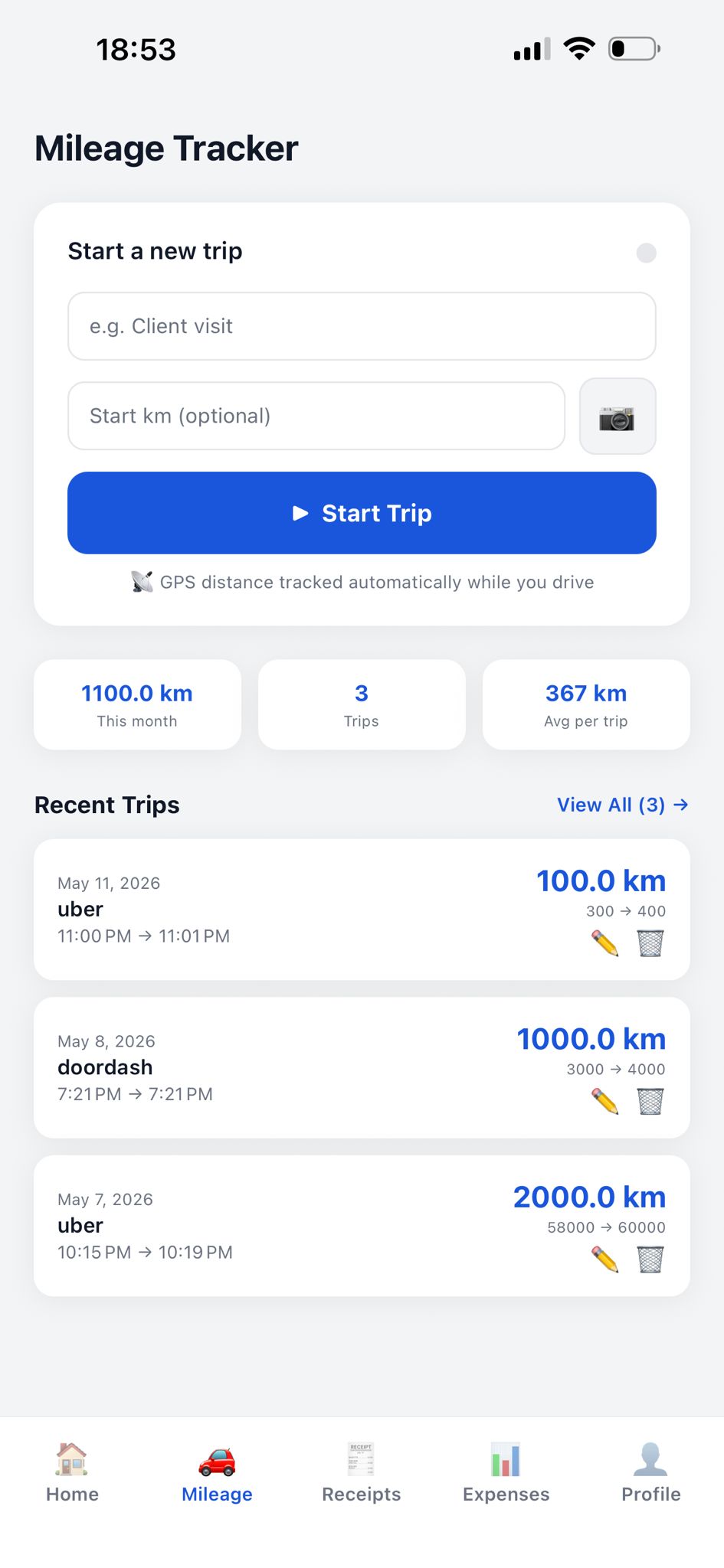
No more guessing kilometres. Enter your start and end odometer — or scan your dashboard — and KaziLog calculates the exact, audit-ready distance.

  • Odometer-based distance
  • Monthly totals & average per trip
  • Edit or add trips manually anytime
Mileage tracker
Receipts

Every receipt, instantly organized.

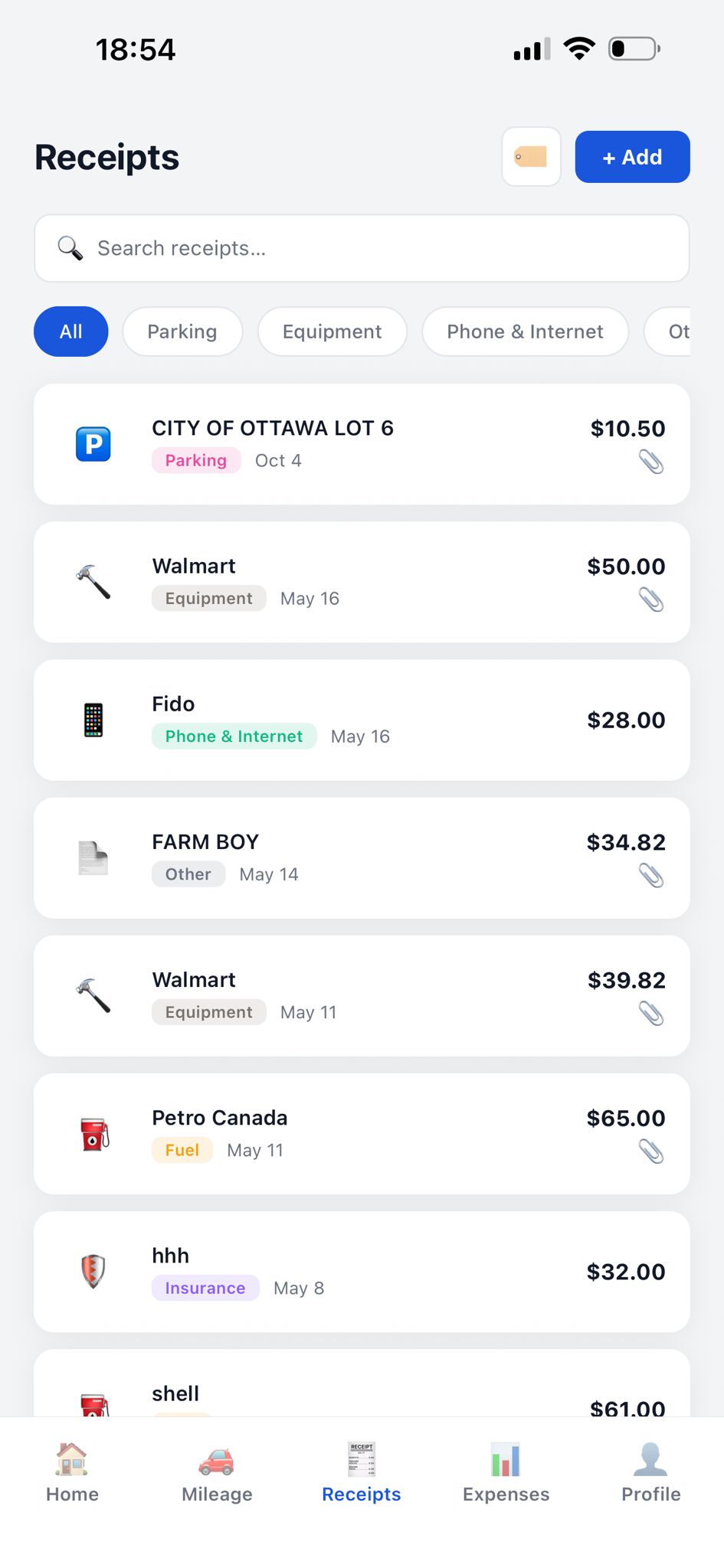
Photograph a receipt and it's filed by category and date. Search, filter, and never lose a deduction again.

  • Photo capture with cloud storage
  • Categories with quick filters
  • Search by merchant in seconds
Receipts
Expenses

Know where every dollar goes.

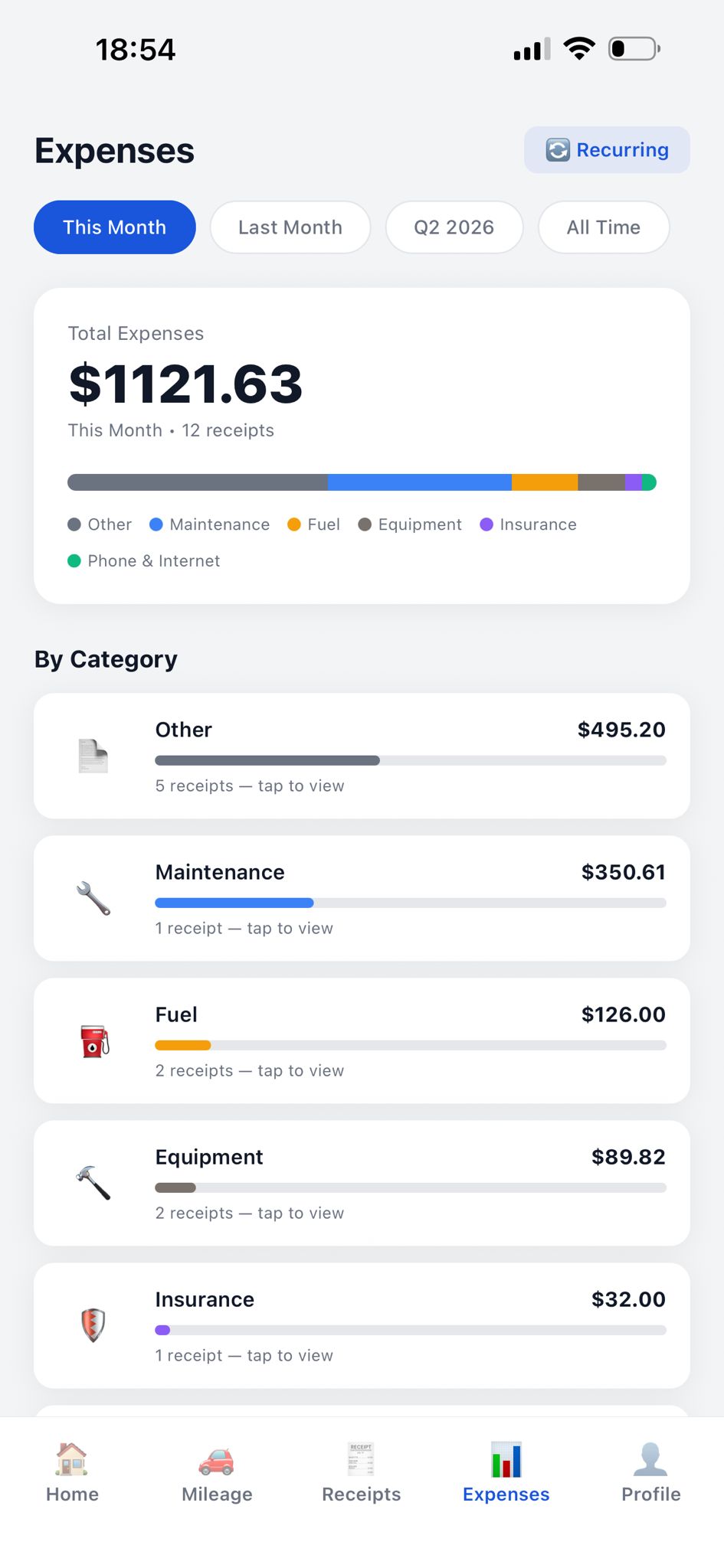
A clear visual breakdown of your spending by category, so there are no surprises when tax season arrives.

  • Visual category breakdown
  • Multi-currency (CAD, USD, EUR)
  • Recurring expense tracking
Expenses
User guide

How to use KaziLog

From sign-in to a tax-ready report in six simple steps.

1

Create your account & sign in

Open the app and sign in with Apple, Google, or your email and password. Your data syncs securely to the cloud, so it's safe and available on every device.

2

Scan a receipt

Go to the Receipts tab and tap the “+” button. Snap a photo of your receipt — KaziLog reads the amount and date for you. Choose a category (fuel, parking, equipment…) and tap Save.

3

Edit or delete a receipt

Tap any receipt to open it. Use Edit to fix the amount, date, category or photo, then Save. To remove it, open the receipt and tap Delete — it's gone from all your devices.

4

Track your mileage

Open the Mileage tab, tap Start trip and enter (or scan) your start odometer. Tap Stop and enter your end odometer — KaziLog calculates the distance. You can edit a trip anytime.

5

Log your expenses

Add one-off or recurring expenses under the Expenses tab. KaziLog groups everything by category so you always know where your money goes.

6

Export a tax-ready PDF

When it's time to file, open Reports, choose a month, quarter, year or custom range, and tap Export. KaziLog builds a complete PDF — mileage log, receipt images and expense summary — that you can share with your accountant in one tap.

See the full step-by-step guide →
Simple pricing

Start free. Go Pro when you're ready.

Try KaziLog at no cost. Upgrade for unlimited tracking and tax-ready exports.

Free

$0
Get started, no card required
  • Manual mileage logging
  • Receipt storage
  • Expense categories
  • Limited monthly scans
Get the app
Questions

Frequently asked

Who is KaziLog for?

Anyone who needs to track vehicle mileage or business expenses for taxes — rideshare and delivery drivers, freelancers, consultants, tradespeople, lawyers, and small business owners.

How does mileage logging work?

Tap Start trip and enter or scan your starting odometer, then enter your ending odometer when you're done. KaziLog calculates the distance — the exact figure for your tax deduction.

Is my data secure?

Yes. Your data is encrypted and stored securely in the cloud, accessible only to you and available across your devices.

Can I export reports for my accountant?

Absolutely. KaziLog generates a complete PDF report with your mileage log, receipt images and an expense summary — by month, quarter, year, or a custom date range — that you can share in one tap.

What does it cost?

KaziLog is free to start. Pro is $10.99/month or $99.99/year and unlocks unlimited receipt and odometer scanning and tax-ready PDF exports.

Is it on iPhone and Android?

Yes — KaziLog is available now on both the App Store (iPhone) and Google Play (Android).

How do I delete my account or data?

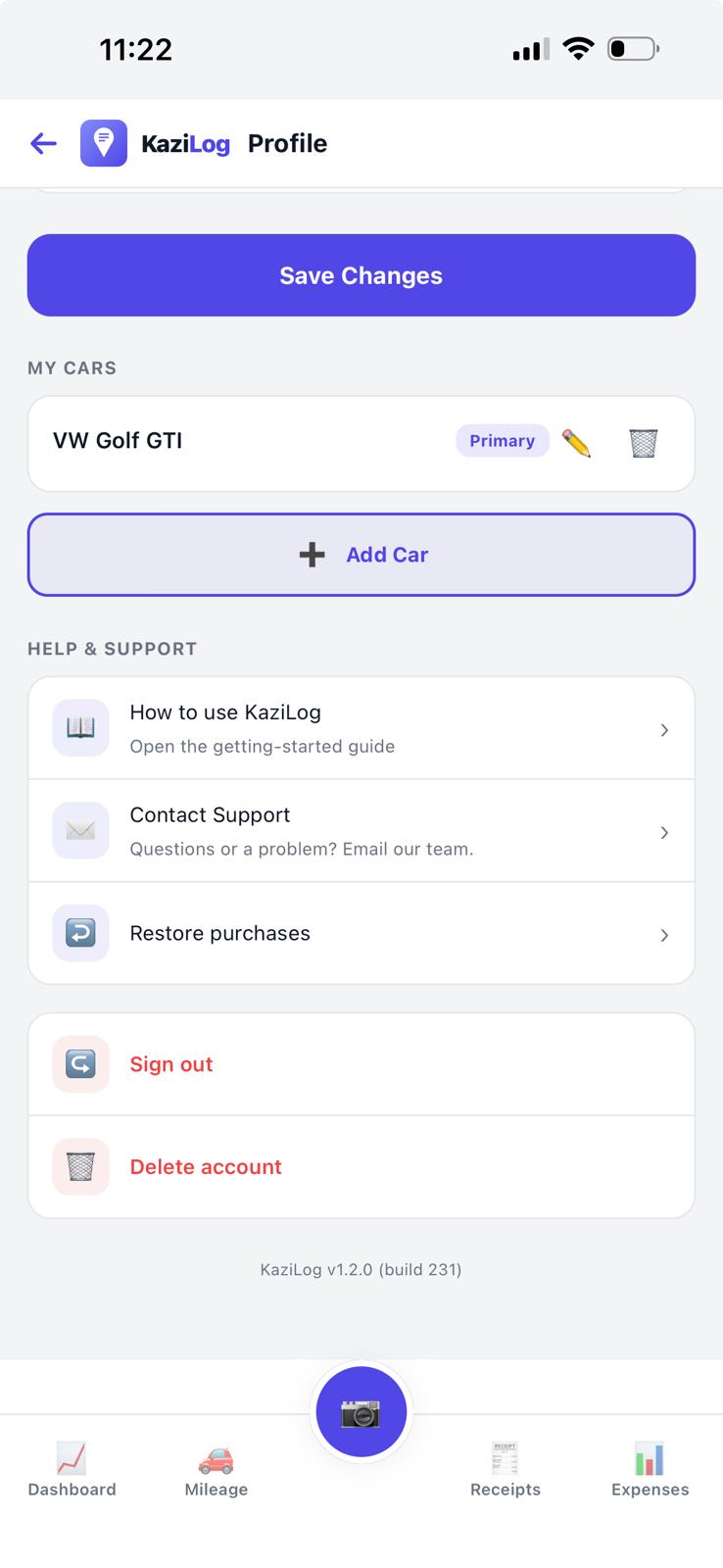
Open the app and go to Profile → Delete account to permanently remove your account and all data. You can also delete individual receipts and trips. Full instructions: how to delete your data.

Be ready for tax time.

Download KaziLog and start tracking in minutes.